A setup guide is only useful if a local leader can follow it under pressure, without the original builder standing next to them. If it reads like an engineering manual, it's too complicated. This process takes under two minutes once someone has done it once.
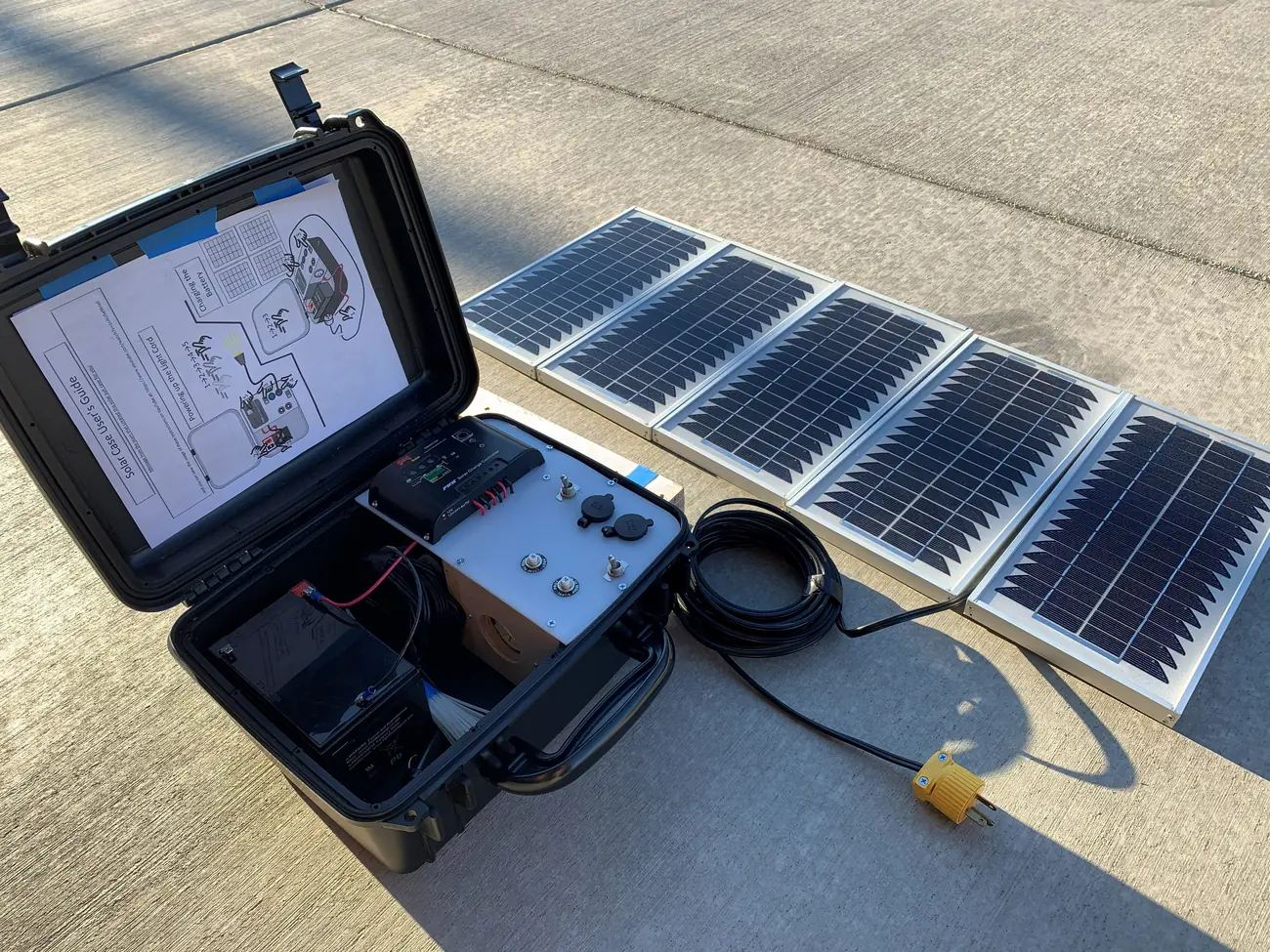
The six-step setup
- Unpack the kit
Lay out the case, server, cables, battery, printed guide, and any optional items (projector, satellite hardware) so everything is visible before anything is plugged in. If a cable is missing now, fix it now.
- Connect power
Use wall power, a charged battery, or solar-supported power depending on the setting. The Raspberry Pi draws very little current — a standard battery pack runs it for hours.
- Start the server
Power on the Raspberry Pi and wait about 60 seconds. The VillageServer Wi-Fi network will appear on nearby phones when it's ready. Don't rush this step.
- Join from a phone
Go to Wi-Fi settings on a phone and connect to the VillageServer network. Open the library address shown on the included card, or wait for the browser prompt to appear automatically.
- Test one resource before opening to the group
Open one file — a Bible chapter, an audio track, a film, or a PDF — and confirm it loads. Do this before anyone else sits down. A broken test is fixable; a broken demo is not.
- Pack it the same way every time
Return every cable, adapter, card, and printed guide to the same labeled place in the case. Missing cables are the most common setup failure at the next session.
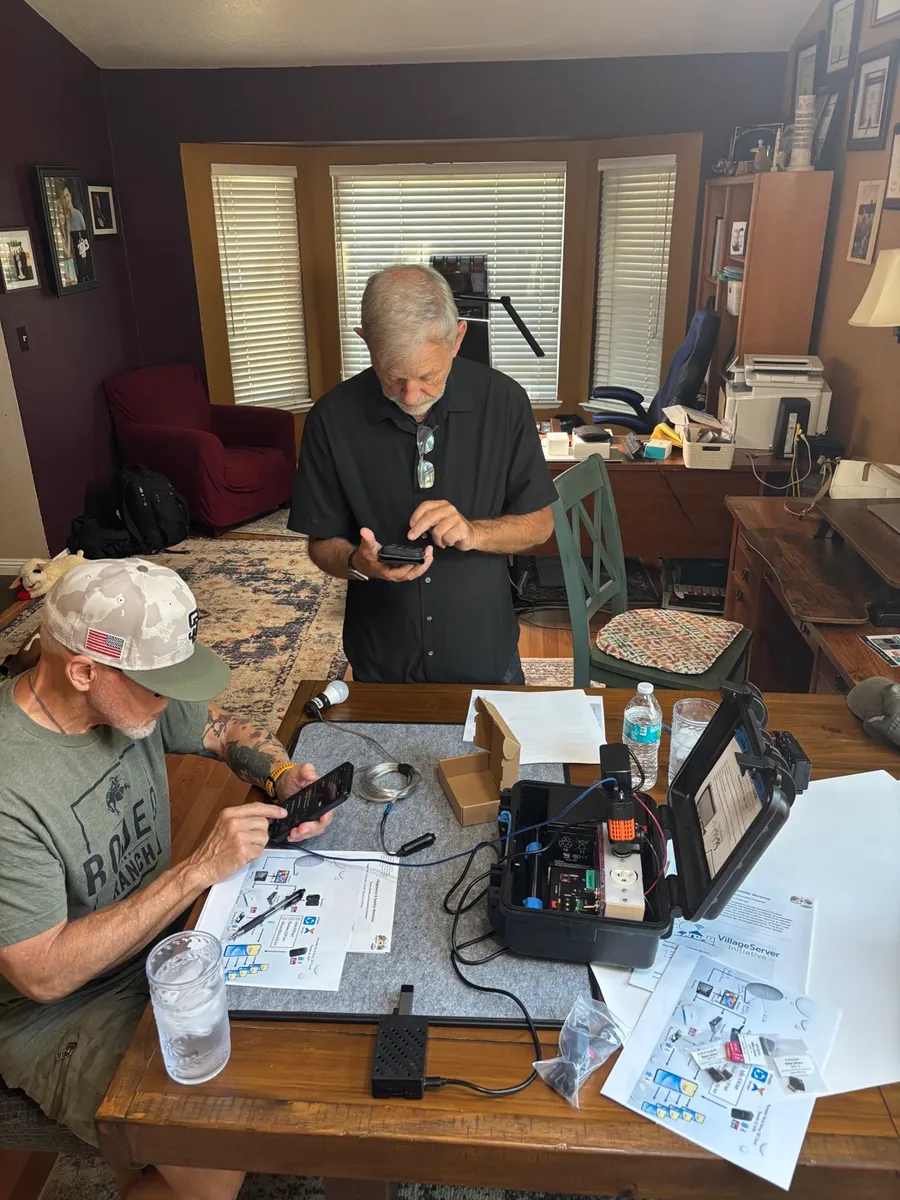
Minimum vs. optional setup
The minimum setup is: power, server, one phone, and a confirmed test file. Everything else is optional and should only be added when the setting calls for it.
- Minimum — power, Raspberry Pi, one phone connected to the Wi-Fi, one file opened and confirmed
- Add projector and speaker — when the session needs to serve a full room or outdoor group
- Add solar or battery backup — when wall power is unavailable or sessions will run longer than the local grid supports
- Add satellite — only when a Free-to-Air broadcast receive-and-replay path is useful in that region
The setup guide turns the kit from equipment into a repeatable process. If a local leader can't follow it alone, simplify the guide — not the mission.
Download the Setup Guide as a printable PDF for field kits, training sessions, and local leader handoffs.
Download Setup Guide PDF